

Product reviews are built into Squarespace, but they're off until you turn them on, and the setting isn't where most people look for it. It isn't in your store settings. It's an automated email.
Here's how Squarespace product reviews work, how to turn them on, and what they can't do.
How do product reviews work on Squarespace?
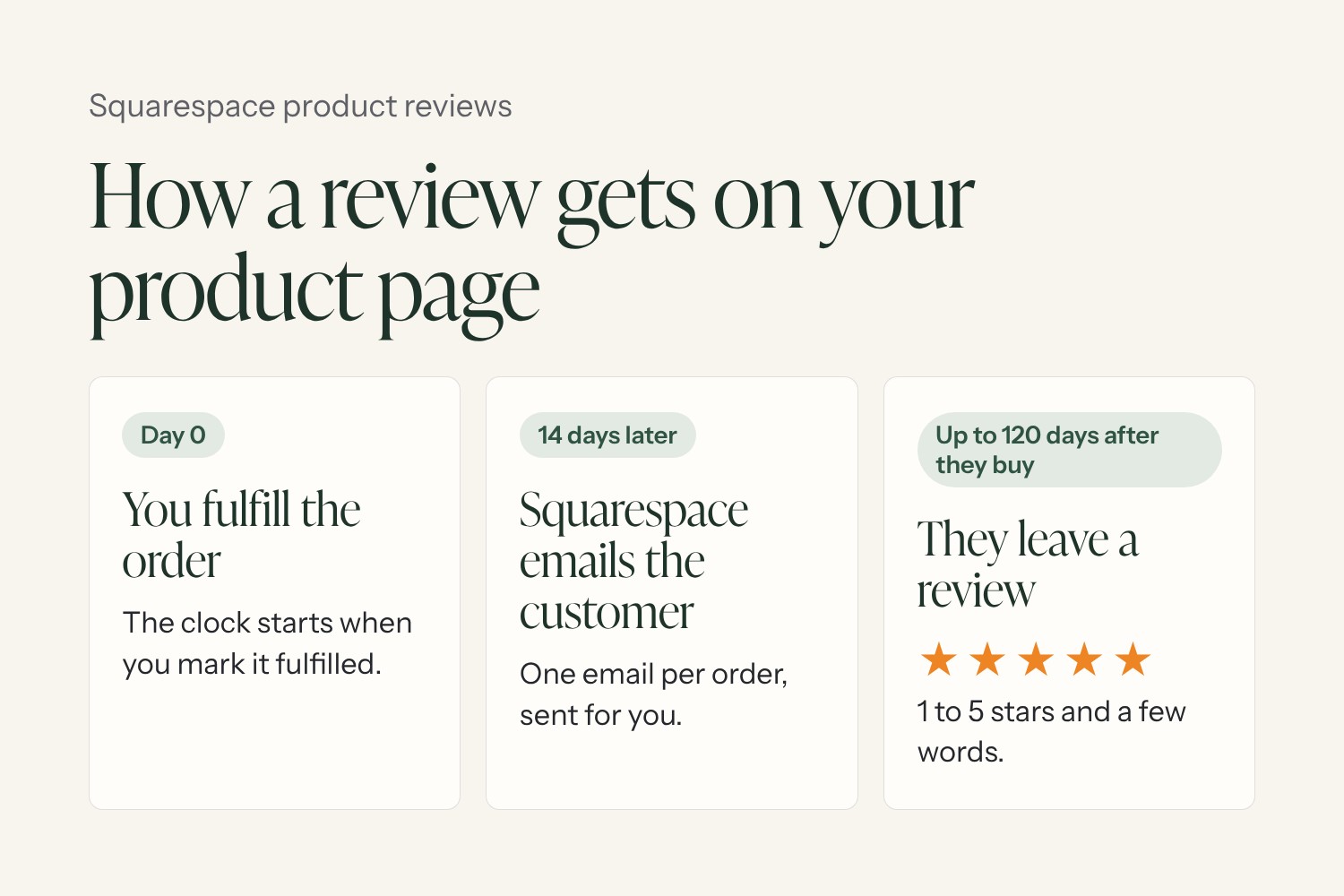
Squarespace reviews come from customers who bought something. Squarespace asks them for you, by email:
A customer buys something and you mark the order fulfilled.
14 days later, Squarespace emails them and asks for a review.
They give each item 1 to 5 stars and can write up to 1,500 characters.
The review shows at the bottom of that product's page.
Customers have 120 days from their purchase to leave a review. An order with several products gets one email, and the customer can review each product in it.
Which plans have product reviews?
Review request emails are on all four current plans: Basic, Core, Plus and Advanced. You don't need to upgrade for this one.
Customers can review physical products, downloads, services and subscriptions. Gift cards can't be reviewed.
How to add product reviews to Squarespace
Open your automations dashboard. The quickest way is to press / and search for "Automations."
Click Request customer reviews.
To change the email, click Action, then Edit Email. You can change the wording, the subject line, the colors and the fonts.
Click Send Test to see it in your own inbox.
Click Go live.
From then on, every fulfilled order gets a review request. Orders you fulfilled in the 14 days before you turned it on get one too.
Keep the email short. A line of thanks and a clear button is enough. People are doing you a favor, so make it quick for them.
How to show reviews on your product pages
Once your first review comes in, open the Customer Reviews panel and go to its settings. You have three choices for what shows on a product page:
Product reviews only. Reviews for the product the customer is looking at.
Store reviews only. Every review from your whole store, on every product page.
Product and store reviews. Both, in two tabs.
If you're just starting out, I'd choose store reviews. Five reviews spread across your shop look better on every page than one product with five and the rest with none. Switch to product reviews once most of your products have a few.
Make sure the Requested reviews toggle is on, or reviews won't show on your product pages at all. The same settings have a toggle to email you whenever a new review comes in. Turn that on too.
If you also sell on Etsy, Squarespace can show reviews you've imported from there. They appear with your store reviews, not under individual products. I compare the two in Squarespace vs Etsy.
What Squarespace reviews can't do
You can't reply to a review. If you want to respond, you email the customer.
You can't delete a review. You can hide one, which also takes it out of your average rating.
Customers can't edit a review after they send it.
You can't send the request again. Each order gets one email. You also can't change the 14 days.
In-person sales don't count. Orders taken through point of sale don't get a review request.
You can't export reviews or move them to another site.
The stars are always black. You can't change their color in the settings.
Why aren't my customers getting the review email?
Check these in order:
Has it been 14 days? The clock starts when you fulfill the order, not when it's placed.
Is the order marked fulfilled? Unfulfilled orders never get a request.
Is the automation live? It pauses by itself while you're editing the email.
Is it in their spam folder? Automated emails end up there sometimes.
Do you need a reviews plugin?
For most small stores, no. The built-in reviews cover the basics, they're included in your plan, and they come from people who really bought from you.
You'd look at a separate review tool if you need something the built-in ones can't do, like replying to a review in public. That's true of Squarespace in general: it covers the basics well, and plugins fill in the gaps. I keep a list of the ones I've made on my free Squarespace plugins page.
Frequently asked questions
Does Squarespace have product reviews?
Yes. Product reviews are built in on the Basic, Core, Plus and Advanced plans. You turn them on by setting the Request customer reviews automation live.
When does Squarespace send the review request email?
14 days after you mark the order fulfilled. You can't change the timing, and each order gets one email.
Can I delete a bad review on Squarespace?
You can't delete a review, but you can hide it. Hiding a review also removes it from your average rating.
Can I reply to a review on Squarespace?
No. There's no public reply. To respond, email the customer.
Can I import my Etsy reviews into Squarespace?
Squarespace can show reviews imported from Etsy. They appear with your store reviews, not under individual products.
Conclusion
Turning on reviews takes a few minutes, and then it runs without you. Set the automation live, choose store reviews while you're building up, and make sure you mark orders fulfilled so the emails go out.