

If you've come over from WordPress, the first thing you probably looked for on Squarespace was the plugin store.
And then you realized... there isn't one.
That's actually one of the reasons I love Squarespace. No plugin store means no weekly plugin updates, no "this plugin broke your site" emails, and no security patches to worry about.
But it doesn't mean you're stuck with only what's in the box. There ARE plugins and extensions for Squarespace. They just work a little differently, and you have to know where to look.
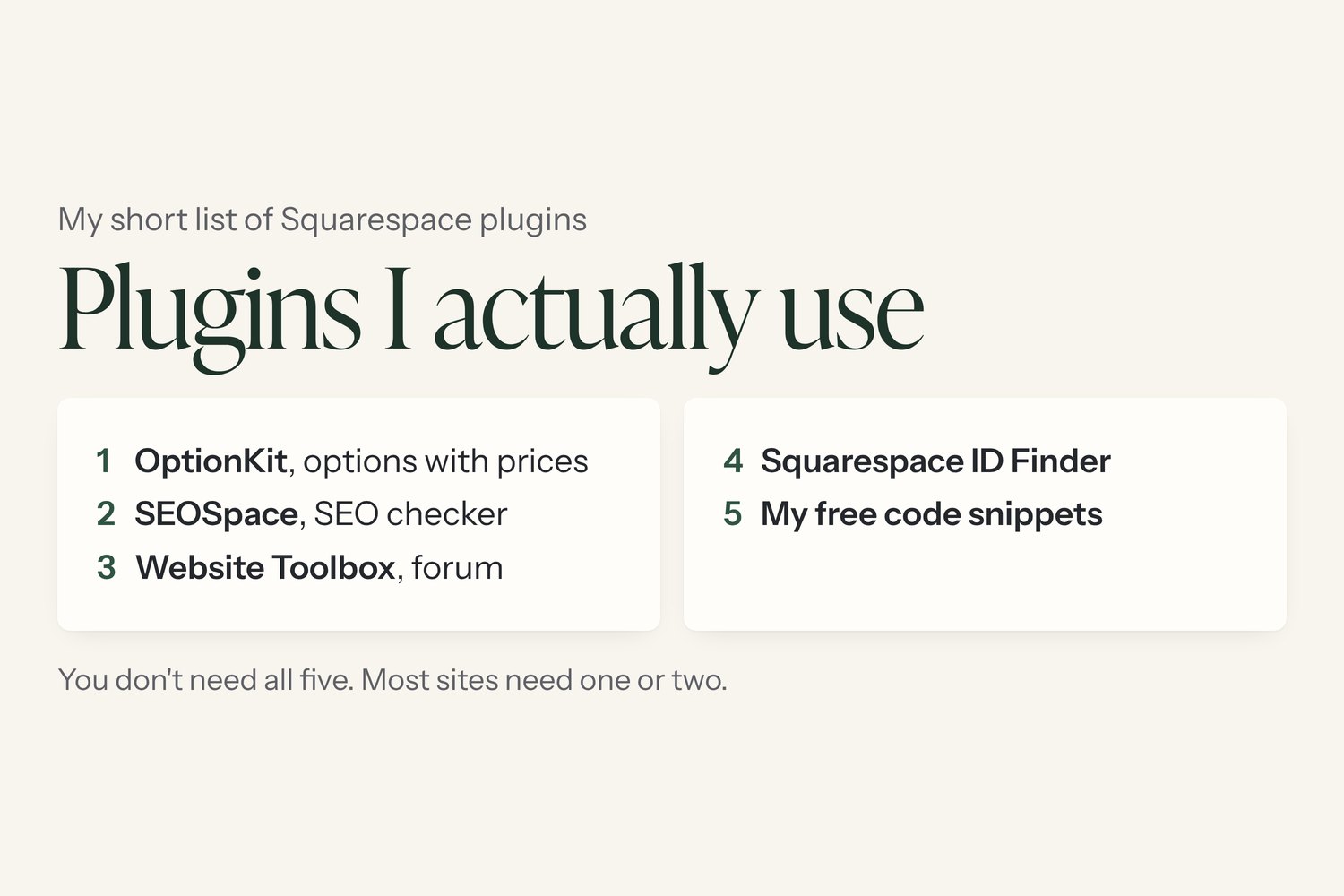
Here's my short list. These are the ones I actually use on client sites, not a list of 50 I found on Google.
Full disclosure: I built number 1 on this list, OptionKit. The rest are made by other people, and none of the links in this post are affiliate links.
First: What Is a "Plugin" on Squarespace?
On Squarespace, a plugin is usually one of three things:
A piece of code you paste into Custom CSS or Code Injection
A connected service you sign up for separately and link to your site
A browser extension that helps you while you're building
One thing to know: most of them need a plan with Code Injection. That's Core, Plus, or Advanced (or an older Business or Commerce plan).
1. OptionKit: Product Options With Prices
What it's for: Online stores that sell anything personalized.
Squarespace can't charge extra for a product option on its own. No "+$15 for engraving." No message priced by the letter. No photo upload on a product.
OptionKit adds all of that: checkboxes, text fields, dropdowns, color swatches, quantities, and file uploads, each with a price if you want one. Customers still pay in your normal Squarespace checkout.
I built it because my clients' shops kept asking for it, and I was tired of saying "Squarespace can't do that."
Cost: Free on your squarespace.com address. On your own domain it's free for 14 days, then $12 a month or $120 a year per store.
2. SEOSpace: An SEO Checker for Squarespace
What it's for: Finding out why a page isn't ranking.
If you've used Yoast on WordPress, this is the closest thing for Squarespace. It's a Chrome extension that scans each page and tells you what to fix: missing image descriptions, too many H1 headings, a meta description that's too short.
When I first ran it on my own homepage, I got a 49 out of 100. Ouch. After fixing what it flagged, I got up to 89.
I wrote a full review here: Does Squarespace Have an SEO Plugin Similar to Yoast?
Cost: There's a free plan that scans up to 50 pages. Paid plans start at $18.99 a month. (Checked November 28, 2026. See their site for current pricing.)
3. Website Toolbox: A Forum for Your Members
What it's for: Membership sites and communities.
Squarespace's Member Areas are great for putting content behind a paywall. What they don't have is a place for members to talk to each other.
I use Website Toolbox to embed a forum right into a client's Squarespace site. Members can ask questions, share wins, and keep the conversation going between your content drops.
More on how I set these up: How to Build a Membership Community on Squarespace
Cost: Plans start at $39 a month, or $35 a month if you pay yearly. There's a 14-day free trial with no credit card. (Checked November 28, 2026. See their pricing page.)
4. Squarespace ID Finder: A Free Chrome Extension
What it's for: Anyone adding custom code.
A lot of code snippets need you to target one specific section or block on your page. To do that, you need its ID, and Squarespace doesn't make that easy to find.
This free Chrome extension shows you every section and block ID with one click. I use it whenever I add custom code.
Cost: Free.
5. My Free Code Snippets
What they're for: Small fixes Squarespace doesn't have a setting for.
I keep a page of free copy-and-paste snippets for the little things clients ask me about all the time:
A full-width scrolling logo banner
Showing the full product image without cropping
Custom link icons next to your social icons
Showing the button in your mobile navigation
You can grab them all on my Free Squarespace Plugins page.
Cost: Free.
How I Decide if a Plugin Is Worth It
Before I add anything to a client's site, I ask three questions:
Can Squarespace already do this? Squarespace adds new features all the time. Always check first.
What happens if it breaks? A good plugin fails quietly. Your site should still work without it.
Is someone actually supporting it? I look for plugins with a real person answering emails.
If a plugin passes all three, it's usually worth the few dollars a month.
Final Thoughts
You don't need 20 plugins. Most of my client sites run on one or two, and plenty run on none.
The beauty of Squarespace is that it handles the boring stuff for you. Plugins are for the one specific thing your business needs that isn't in the box.
Not sure what your site needs? Book a free consultation and I'll tell you honestly, even if the answer is "nothing."