

Note: I'm a web designer, not a tax advisor. This post covers how the tax settings in Squarespace work, as of November 25, 2026. For what your business owes and where, talk to an accountant or your state's tax office.
Sales tax is the setting most store owners are nervous about getting wrong. The good news is that the Squarespace part is pretty simple. The harder part is knowing where you need to collect, and that isn't a Squarespace question.
Here's what Squarespace does, what it leaves to you, and how to set it up either way.
Does Squarespace collect sales tax?
Yes. Once you set up tax rates, Squarespace works out the tax at checkout and adds it to the customer's order. The money lands in your account with the rest of the sale.
It doesn't collect anything until you set it up, though. A brand new store charges no tax.
Does Squarespace remit sales tax for you?
No. Squarespace collects the tax from your customer and passes it to you. Registering with your state, filing returns and paying what you collected are all still your job.
On your own Squarespace site, you're the seller, so the paperwork is yours.
Automated or manual: which one should you use?
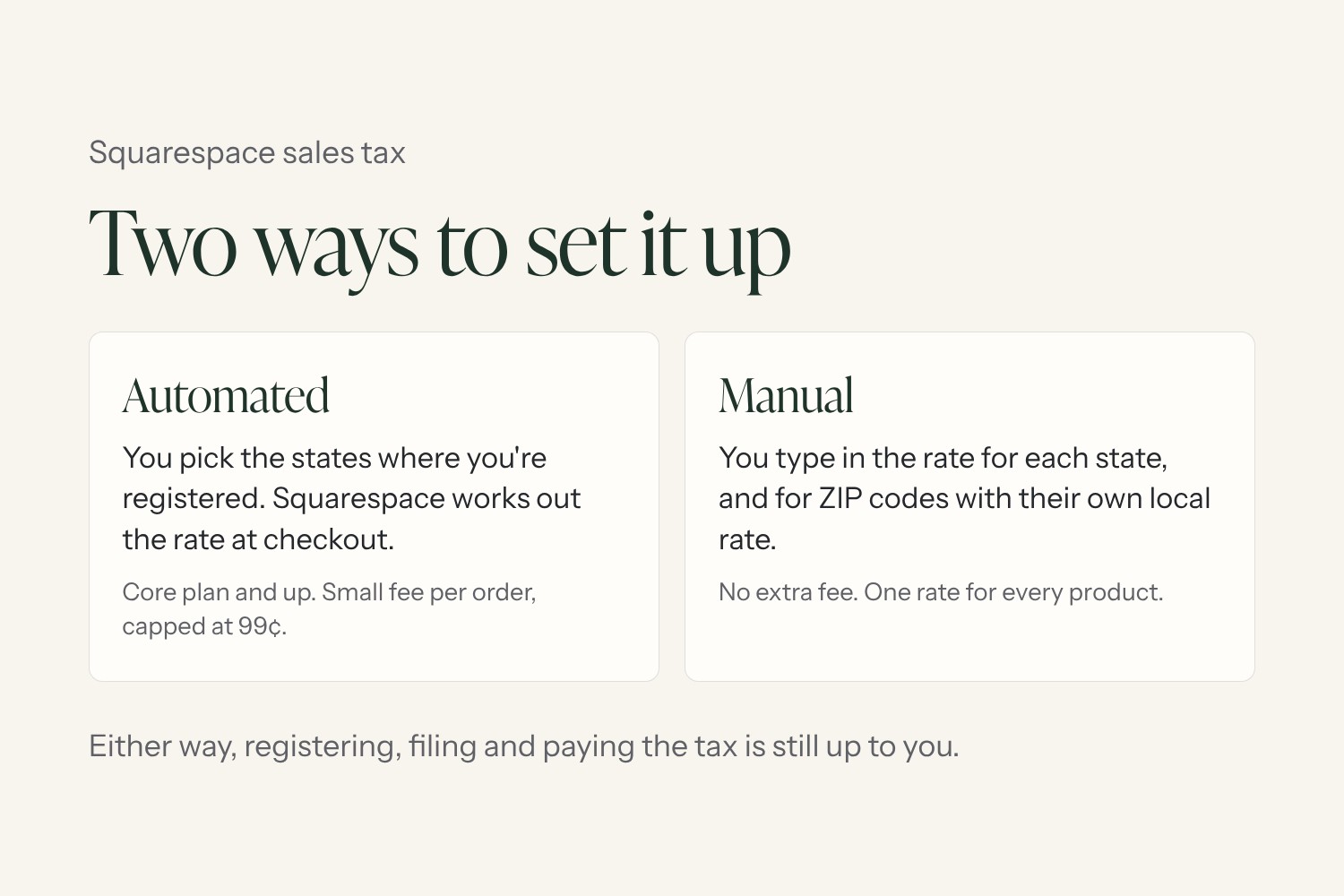
Squarespace gives you two ways to set up tax, and you pick one. You can't use both.
The automated fee depends on your plan: 0.15% of the order on Core, 0.10% on Plus and 0.05% on Advanced. On a $100 order on Core, that's 15 cents.
My take: if you only collect tax in one state and everything you sell is taxed the same way, manual is fine. If you're registered in more than one state, or you sell things that are taxed differently, like clothing or food, automated is worth the few cents.
How to set up automated sales tax on Squarespace
If you've added tax settings in PayPal or another payment account, remove them so tax isn't charged twice. If you use TaxJar, disconnect it.
Open the Taxes panel. It's under Settings, or press / and search for "Taxes."
Click Automated and add your business details.
Add your Tax address. This is your main business address.
Pick a default Product tax code. This tells Squarespace what kind of thing you sell.
Click Add Registrations and select the states where you're registered to collect tax.
Save. When you see a green Collecting status, it's working.
Only add the states where you're actually registered.
How to add sales tax manually
Open the Taxes panel.
Under Manual Setup, click Add Rate.
Choose United States, then select your state. There's no single rate for the whole country, so you add one state at a time.
Enter the state's rate.
If your state taxes shipping, turn on Charge taxes on shipping. If it taxes services and downloads, turn on Charge taxes on services and digital products.
Save.
If your city or county adds its own tax, you can add a rate for one ZIP code or a range of ZIP codes. Squarespace adds it on top of the state rate.
A few things that surprise people
Which address counts. Physical products are taxed by where they ship. Downloads and services are taxed by the billing address.
Local pickup. Pickup orders use the customer's billing address unless you add a taxation address to the pickup option. Add your shop's address so pickups are taxed at your local rate.
Discounts. Tax is worked out on the price after the discount.
Gift cards. Buying a gift card isn't taxed. The tax is charged later, when someone spends it.
Tax-exempt customers. With manual rates, there's no way to mark one customer as exempt.
Prices with tax included. If you'd rather show one price with tax already in it, choose Include in price in the Taxes panel.
Which plan do you need?
Manual tax rates work on every plan that can sell, including Basic. Automated taxes need Core or higher. If you're on Basic and thinking about moving up, I go through what each plan costs in my Squarespace pricing post.
Frequently asked questions
Does Squarespace collect sales tax automatically?
It can. On the Core, Plus and Advanced plans, you can turn on automated taxes, and Squarespace works out the rate for each order in the states where you're registered. On the Basic plan, you add the rates yourself.
Does Squarespace file or pay my sales tax?
No. Squarespace collects the tax at checkout and it comes to you with the rest of the sale. Registering, filing and paying are up to you.
How much does automated sales tax cost on Squarespace?
There's a fee on each order: 0.15% on Core, 0.10% on Plus and 0.05% on Advanced, capped at $0.99 per order. Manual tax rates have no extra fee.
Can I charge sales tax on shipping in Squarespace?
Yes. With manual rates, turn on Charge taxes on shipping for each state where shipping is taxed.
Can I still use TaxJar with Squarespace?
Not together with automated taxes. Squarespace's automated taxes replace TaxJar, and you have to disconnect TaxJar before you turn them on.
Conclusion
Setting up sales tax in Squarespace takes a few minutes once you know where you need to collect. Sort that part out first with your state or an accountant. Then pick automated or manual, place a test order, and check that the tax line looks right.