

Shipping is the part of a Squarespace store that people put off, because it looks like a lot of decisions. It's really three ways to charge, plus a few extras you can add later.
Here's what each option does, which one fits which kind of shop, and how to set it up.
What shipping options does Squarespace have?
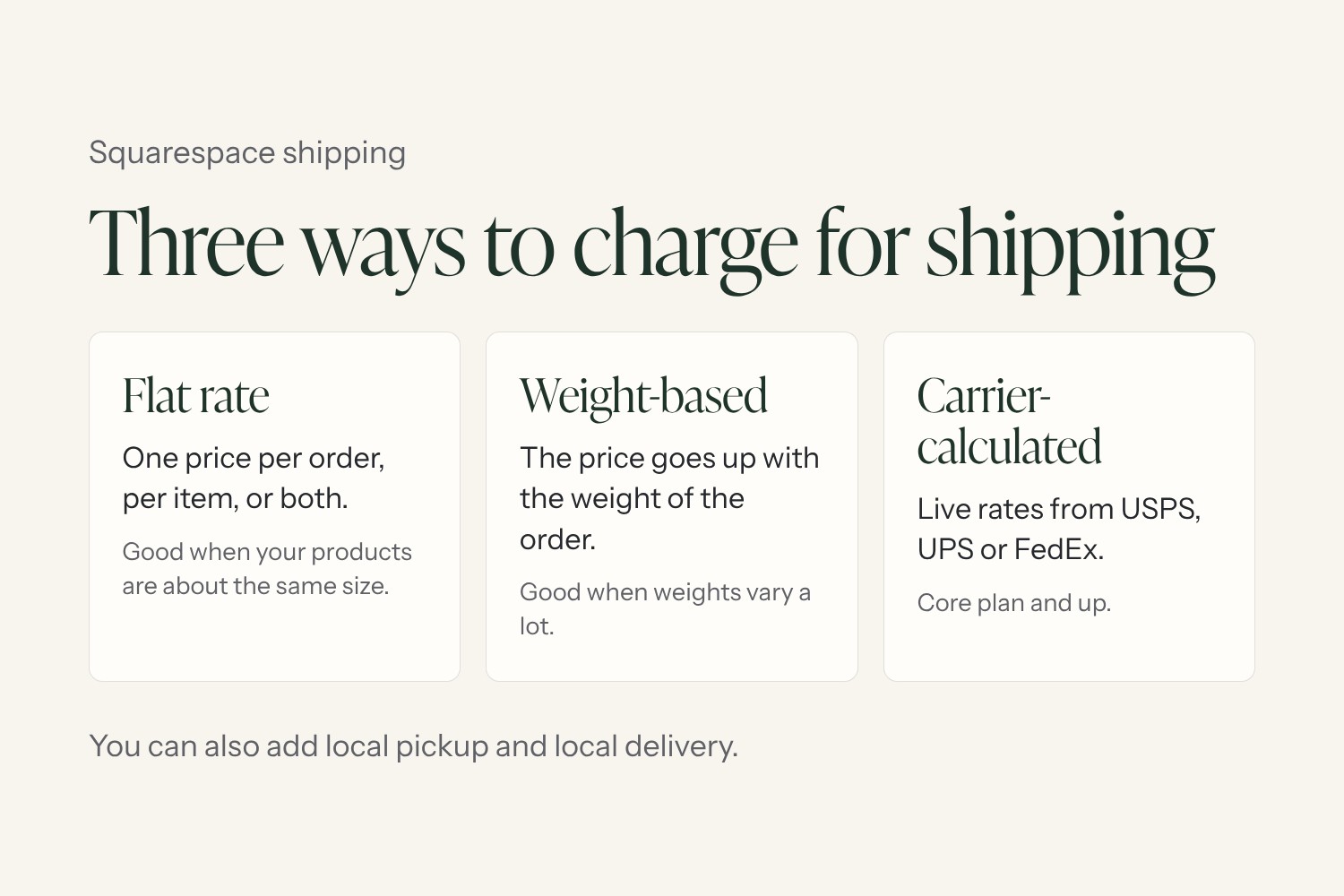
Squarespace has three ways to charge for shipping:
Flat rate. One price per order, per item, or both.
Weight-based. The price goes up with the total weight of the order.
Carrier-calculated. Squarespace pulls live rates from the carrier at checkout. In the US, that's USPS, UPS or FedEx.
You can also add local pickup and local delivery, and you can have as many options as you need. At checkout, customers see them listed from cheapest to most expensive, with the cheapest one already selected.
Flat rate shipping
Flat rate is the simplest one, and it's where I'd start. You set a fee per order, a fee per item, or both. With $5 per order and $1 per item, an order with two items ships for $7.
It works well when your products are all about the same size and weight, or when they're small and worth a lot, like jewelry.
Weight-based shipping
With weight-based shipping, you set up weight ranges and a price for each one. For example, up to 1 pound is $5 and 1 to 5 pounds is $9.
Two things to know:
Every product needs a weight, or this won't work. You add it in the product editor under Fulfillment.
Set a generous price on your heaviest range, so one large order doesn't cost you money to ship.
It's a good fit when your products are similar in size but very different in weight.
Carrier-calculated shipping
This one shows your customer what the carrier would charge for their exact order and address. It's the most accurate option, and the one with the most setup.
It's on the Core, Plus and Advanced plans, not Basic. Here's what each plan costs.
It only works for orders shipped within your own country.
Every product needs a weight and dimensions, and you add the box sizes you ship in.
You can add a markup to cover packaging and your time.
It's worth it when shipping is a big part of what your customer pays, like with heavy or bulky products.
How to set up shipping on Squarespace
Open the Shipping panel. It's under Settings, or you can press / and search for "Shipping."
Click Add Shipping Option.
Choose Flat Rate, Weight-based or Carrier-calculated.
Give it a name your customers will understand, like "Standard shipping (3 to 5 days)," and enter your rates.
For flat rate and weight-based options, choose where the option applies. You can pick countries, states or ZIP codes.
Save, then place a test order to see what your customer sees.
If you sell physical products, you need at least one shipping, pickup or delivery option. Without one, customers can't check out.
How to offer free shipping on Squarespace
There are two ways to do it:
A free shipping option. Add a flat rate option and leave the fees at $0. Everyone gets it.
A free shipping discount. Use this when it comes with a condition, like free shipping on orders over $75. It can be a code customers type in, or on Core and higher plans it can apply on its own.
Local pickup and local delivery
If you have customers nearby, add a local pickup option so they can skip shipping. It's free to them. Keep in mind that customers can't choose a pickup time at checkout, so add your pickup hours and instructions to the pickup details. They show up in the customer's confirmation email.
Pickup orders can also be taxed differently from shipped ones. I cover that in my post on Squarespace sales tax.
Local delivery works by ZIP code. You list the ZIP codes you deliver to and, if you want, a delivery fee.
Why does checkout say shipping is unavailable?
If a customer sees a message that shipping isn't available for their address, it usually means none of your shipping options cover where they live. Check these first:
Your shipping zones. If an option is limited to certain countries, states or ZIP codes, everyone outside them is left out. To ship everywhere else, add an option set to Rest of the World.
Missing weights or dimensions. A carrier-calculated option won't show up if a product in the cart has no weight or dimensions, or if none of your boxes fit it.
Another country. Carrier-calculated rates don't cover orders going abroad. Add a flat rate or weight-based option for those.
What shipping settings can't do
Shipping options charge for getting the order to your customer. They can't charge for extras on one product, like rush processing or a gift box. Squarespace does have a handling fee, but it's a percentage of each item's price, added to the shipping cost of every order that uses that option.
For an extra the customer chooses, like "Rush: ships in 2 days, +$20," you need a product option with a price. I built a plugin called OptionKit that adds those to Squarespace. Here's my guide to adding product options in Squarespace, including what the built-in tools can do before you add anything.
Frequently asked questions
Does Squarespace offer free shipping?
Yes. You can add a flat rate option with the fees set to $0, or create a free shipping discount for orders over a certain amount.
Can I print shipping labels in Squarespace?
Yes, if you're in the US and on the Core plan or higher. You can buy and print UPS and USPS labels from your orders.
Can I charge different shipping for different products?
Yes. Fulfillment profiles let you limit a shipping option to certain products. A product can only be in one profile.
Which Squarespace plans have carrier-calculated shipping?
Core, Plus and Advanced. The Basic plan has flat rate and weight-based shipping.
Conclusion
Start with one flat rate option and a test order. That's enough to open your store. Once orders are coming in, you'll know whether you need weight ranges, live carrier rates or a free shipping offer, and you can add them one at a time.